Jug Scope turns a borescope and the iPad or iPhone already in your flight bag into a guided engine inspection — one that produces a complete, organized, analyst-ready record of every cylinder, the same way every time. Instead of fishing a probe around and hoping you got the angles, you follow an on-screen guide through a standardized eleven-view protocol, see a reference image for each shot, and finish with a labeled set you can review, compare against past inspections, or send out for an expert read.
This section is the quick orientation: what Jug Scope is, what you need to run it, which path to follow for your situation, and a sixty-second tour of the whole arc from opening the app to sharing a finished inspection. Once you have the shape of it, the rest of the guide fills in each step.
For owners — This is the difference between a phone full of loose, unlabeled engine photos and a credible record you can actually act on. Catch a problem early, watch your engine trend over time, and walk into a conversation with your mechanic already organized.
For shops — This is a way to make every borescope job look the same no matter who held the probe — a consistent, professional deliverable you can hand a customer, captured fast enough to fit a busy day.
During beta: Every feature described in this guide is open during the beta — capture, review, export, and sharing all work without a subscription. The launch-time plans and per-inspection unlock described later are not enforced yet.
1.1 What Jug Scope is
Jug Scope is a guided cylinder borescope inspection app for piston general-aviation engines. Its job is to make a thorough inspection repeatable: it walks you through the same eleven views on every cylinder, in a deliberate order, with a reference image and positioning guidance for each one, then names and sorts every image by cylinder and view automatically. The result is a clean, complete set in the form an engine analyst expects — which is exactly what lets someone tell you, with confidence, how an engine is doing inside.
The eleven-view sequence is a real, recognized inspection standard, not something we invented. Jug Scope's contribution is carrying that standard for you — so the record looks the same whether it is your first inspection or your fortieth, and nothing important is left to chance.
Tip — The full capture workflow, view by view, lives in §4, The Inspection Workflow. This section is just the lay of the land.
1.2 What you need
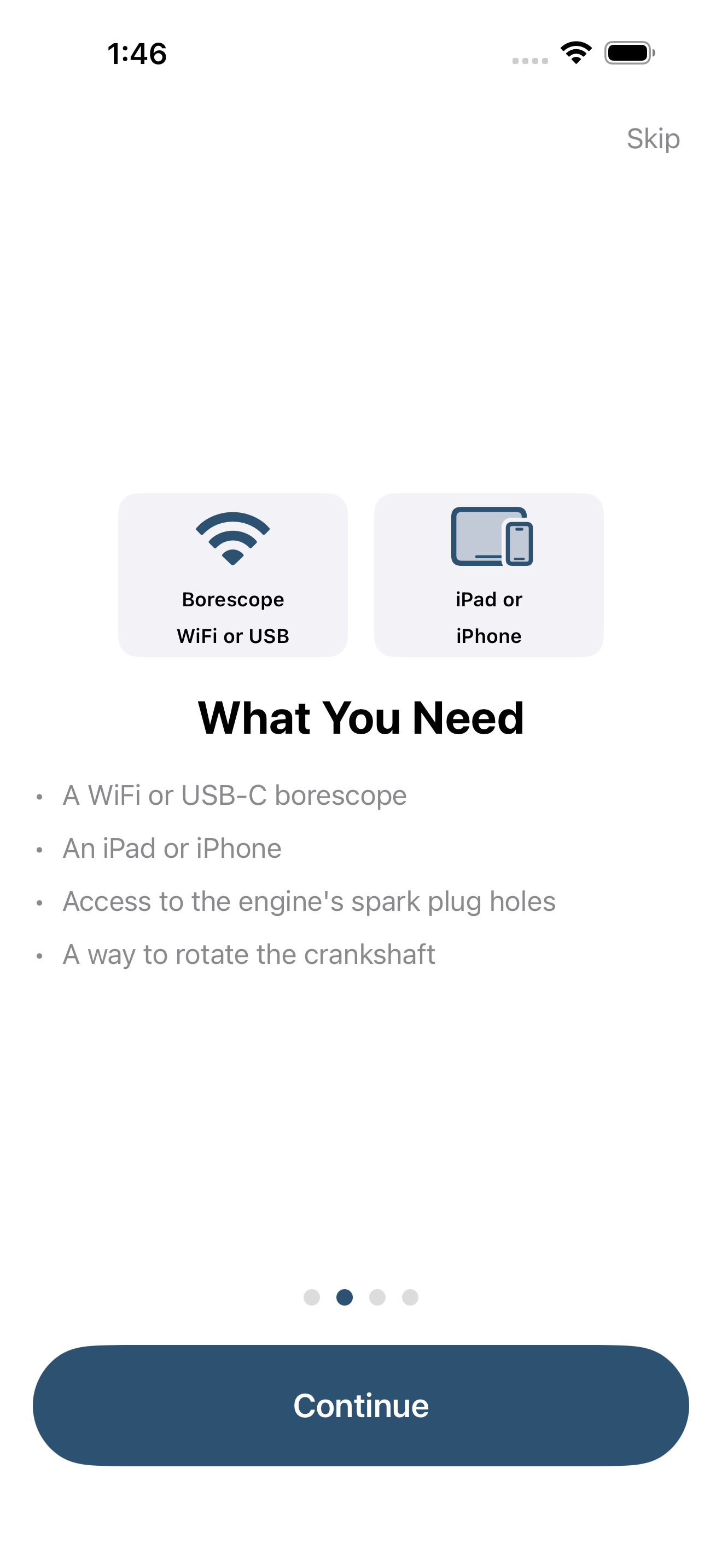
Getting started takes very little. You need three things:
- An iPad or iPhone. Either works. The iPad's larger screen is easier to read at arm's length under a cowling, and it supports a direct USB-C borescope connection for the best picture; the iPhone connects to a WiFi borescope and goes anywhere.
- A supported borescope. A WiFi or USB-C borescope thin enough to reach through a spark-plug hole. Recommended hardware and how to connect each kind are covered in §3, Hardware Setup.
- Access to the engine and a way to turn it over. You need to reach the spark-plug holes and to rotate the crankshaft (typically by hand on the propeller) so you can position the piston and open each valve.
For shops — The USB-C-to-iPad path gives you the sharpest, lowest-lag picture for production work; see §3, Hardware Setup for the connection choice that fits your bench.
1.3 First launch: a quick welcome
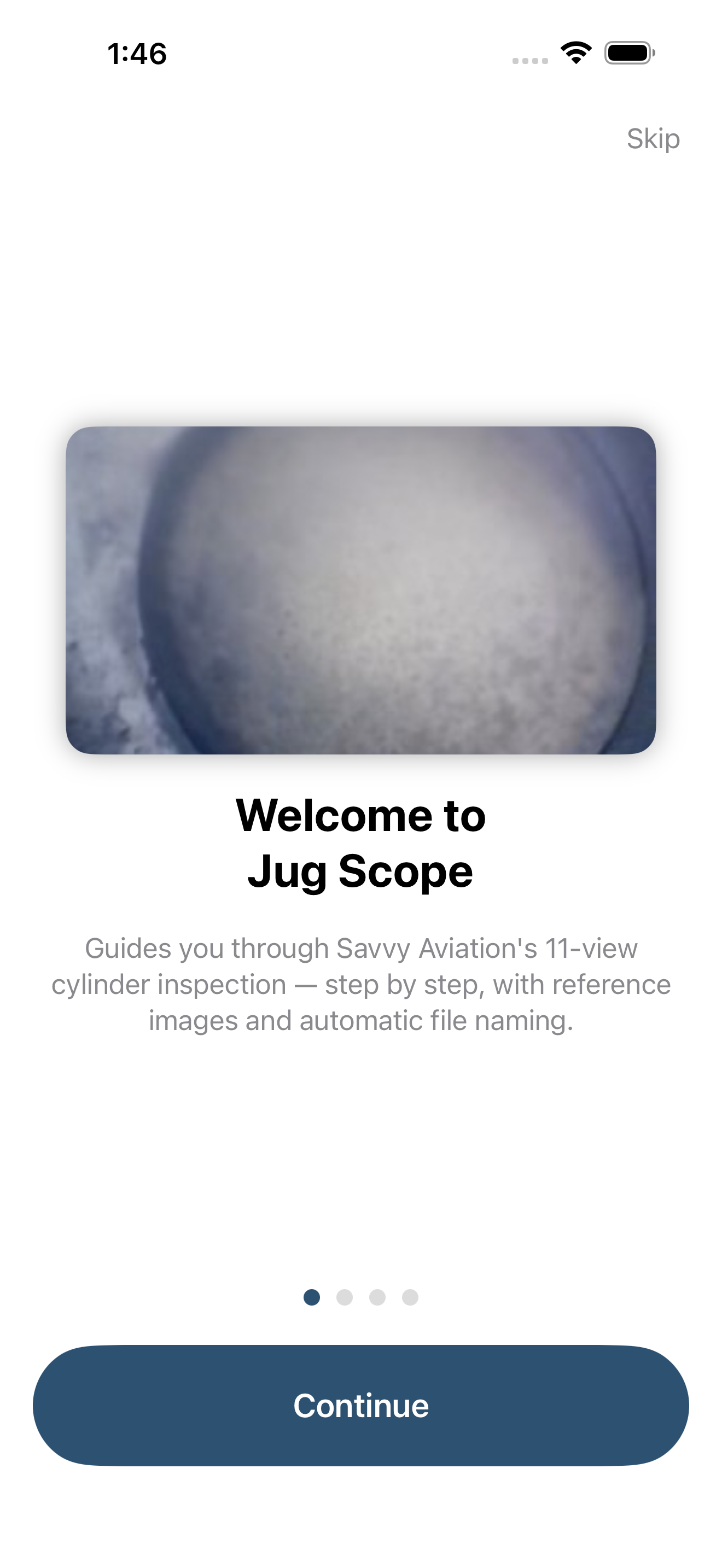
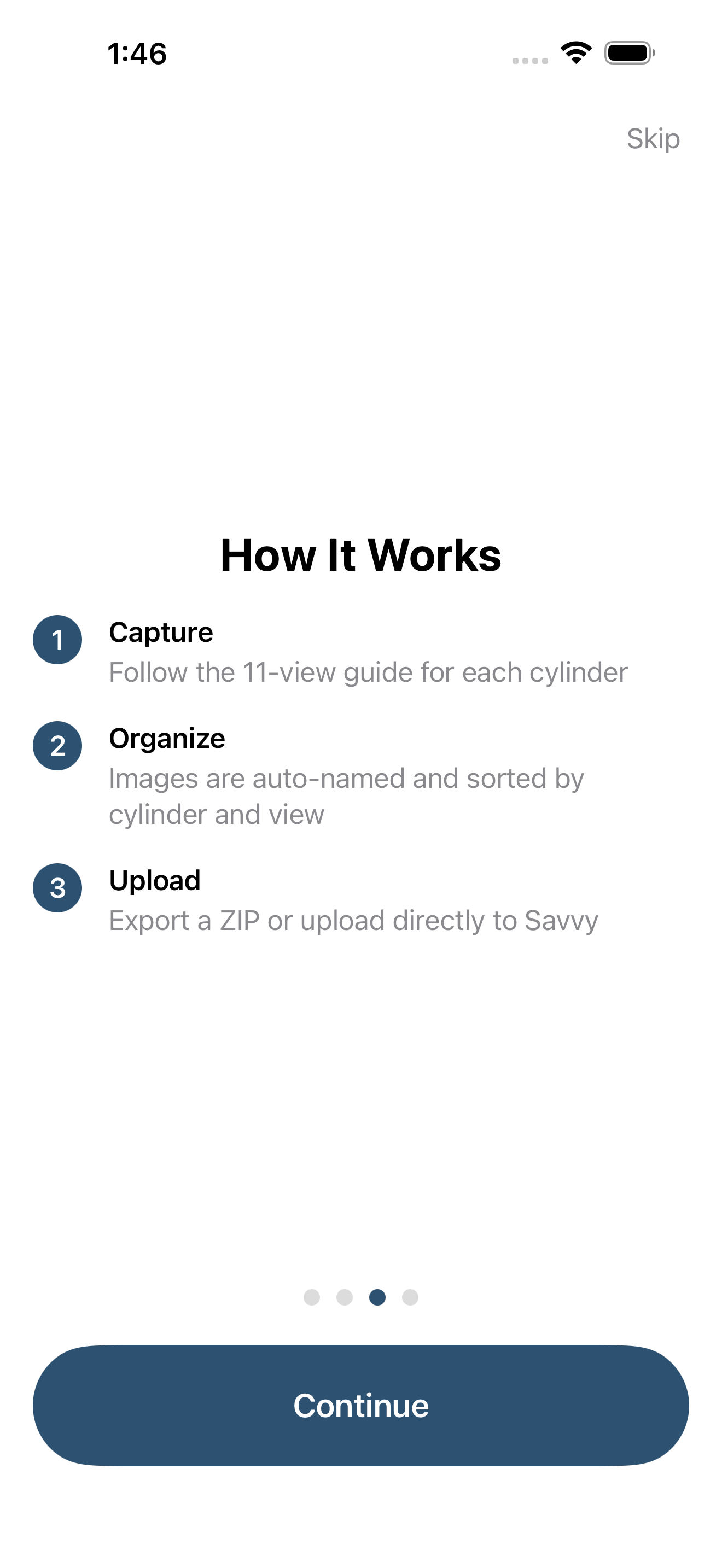
The first time you open Jug Scope, a short welcome walks you through what the app does and what you will need — a few tappable pages, no setup required, and a Skip option if you would rather dive straight in. It ends on a simple next step: add your aircraft, then start an inspection when you are at the hangar.
You will also be asked to sign in so your work is backed up and available across your devices. Signing in is quick and covered in §2, Account & Sign-In.
During beta: First launch includes a short beta registration step — a one-time form and an optional invitation code — before the app opens. That flow is described in §2.5 and goes away at launch.
1.4 Pick your path
Jug Scope serves two kinds of people, and the rest of this guide is written for both — with callouts wherever the two diverge. Find yourself below:
- You own the airplane and do your own inspections. Jug Scope keeps a credible, comparable record of your engine over time and gives you something organized to put in front of a mechanic or send out for analysis. Your tailored walkthrough is §7, Guide for Individual Owners.
- You run a maintenance shop inspecting many customers' aircraft. Jug Scope gives every technician the same complete result, a clean deliverable to hand each customer, and tools to receive and send inspections across shops. Your tailored walkthrough is §8, Guide for Shops.
Most of the app is identical either way — connecting a borescope, capturing the eleven views, reviewing and comparing — so the shared sections (§3 through §6) apply to everyone. The audience guides simply stitch those shared steps into the order that fits how you work.
1.5 The Home screen
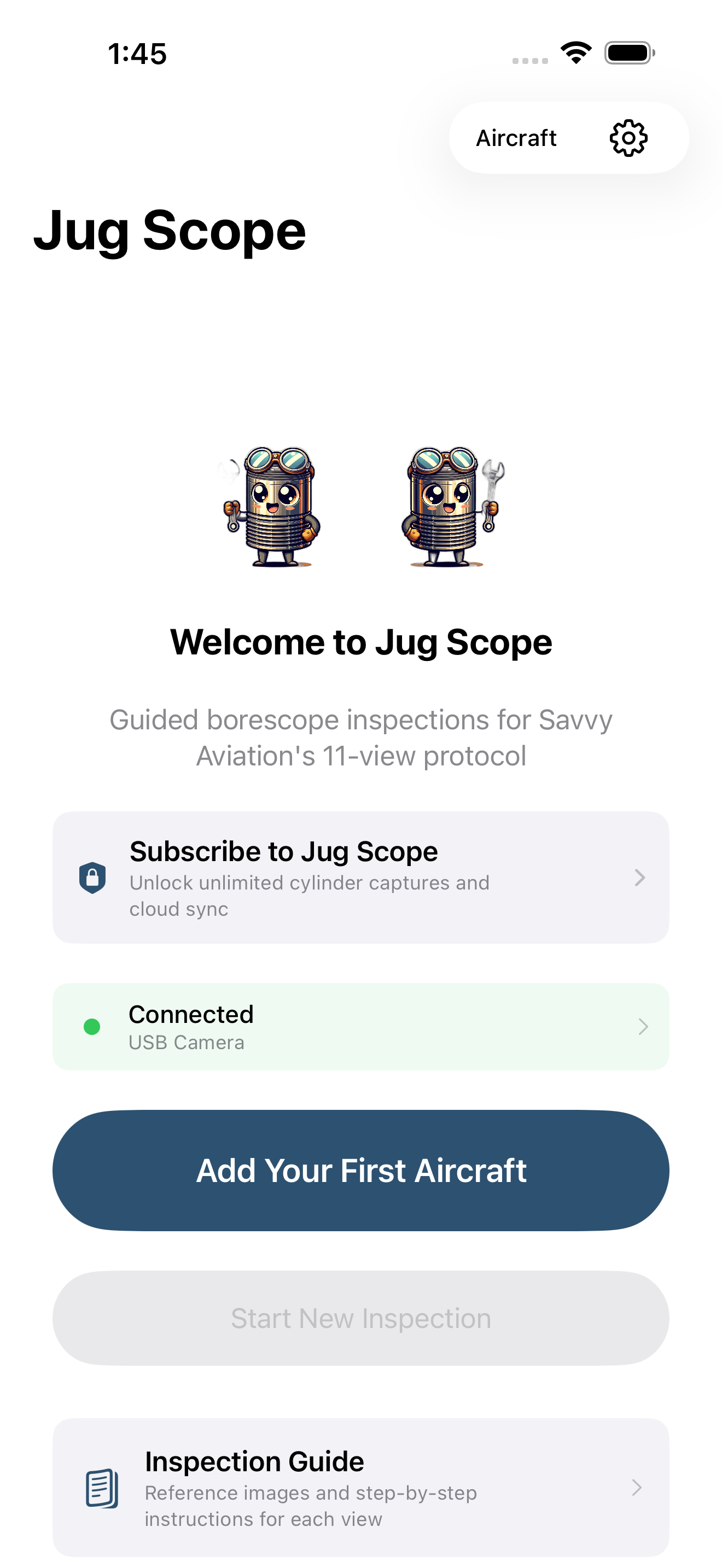
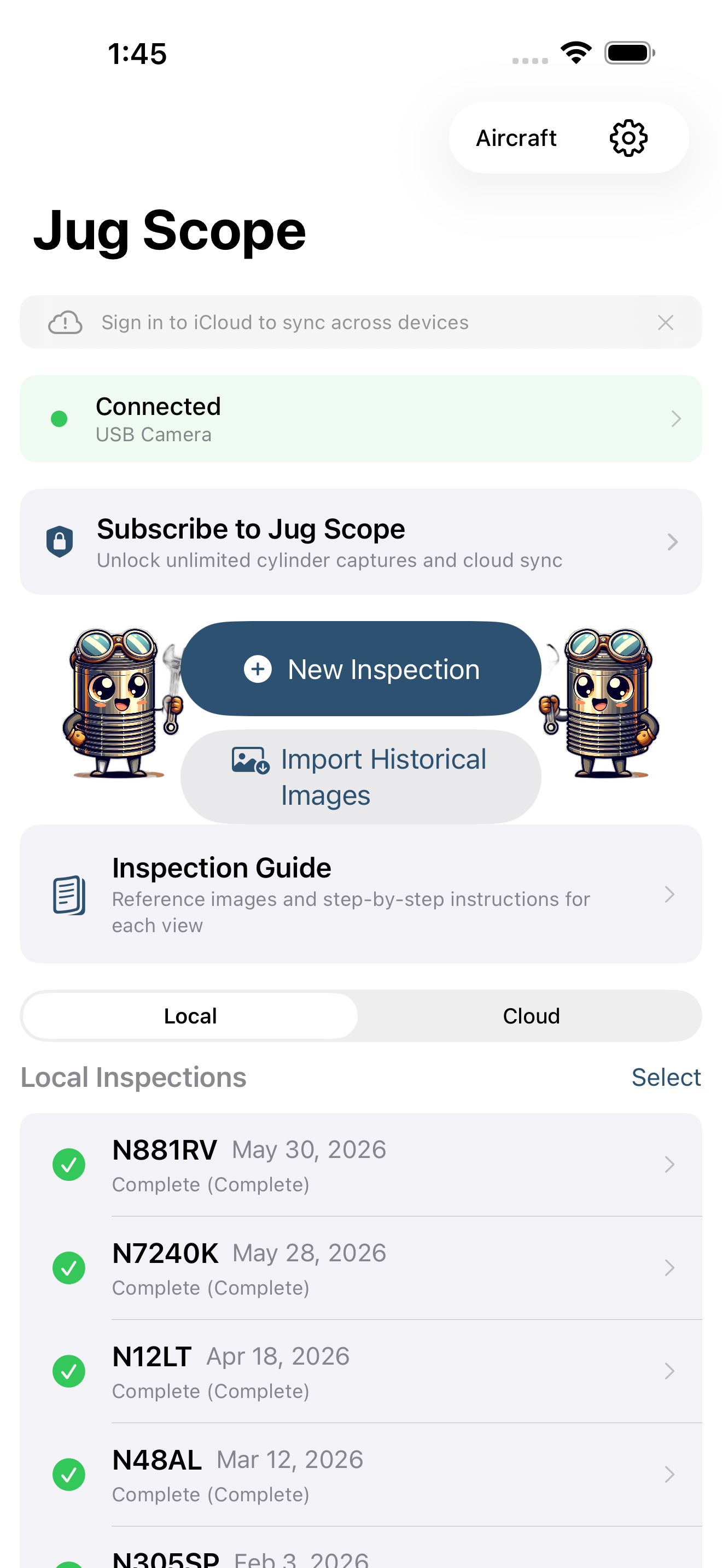
The Home screen is your starting point every time you open the app. Before you have added an aircraft, it greets you with a short welcome and a single clear next step — Add Your First Aircraft. Once you have at least one aircraft on file, Home becomes your dashboard: it shows your recent inspections, offers to resume any inspection still in progress, and puts a new inspection one tap away.
From Home you can:
- Start a new inspection once you have an aircraft on file (see §4.1).
- Manage your aircraft — add, edit, or review the tails you inspect.
- Open the Inspection Guide — reference images and step-by-step instructions for each of the eleven views, useful before you ever connect a borescope.
- Open Settings — appearance, account, defaults, and more (see §11, Settings Reference).
Tip — The Inspection Guide on the Home screen is worth a look before your first trip to the hangar. It shows what a good shot of each view looks like, so you arrive knowing what you are aiming for.
1.6 The sixty-second tour
Here is the whole arc, end to end, so the pieces have a place to land before you read the detailed sections:
- Add your aircraft. Enter the tail number, make and model, engine, and cylinder count once. Jug Scope uses that to size every future inspection correctly. (See §7.2 for owners.)
- Connect your borescope. Join the scope over WiFi, or plug it into an iPad over USB-C, and confirm you have a live picture. (See §3, Hardware Setup.)
- Start an inspection. Pick the aircraft, set the date and engine time, and begin. (See §4.1.)
- Capture the eleven views, cylinder by cylinder. Follow the on-screen guide; the app keeps you in order and tracks your progress. (See §4.3.)
- Review and compare. Check your shots, and line the same view up against past inspections to see what is changing. (See §5, Reviewing & Comparing.)
- Share or send. Hand the finished set to your shop or a customer, or send it out for expert analysis. (See §6, Sharing & Analysis.)
That is the entire loop. Everything else in this guide is detail on one of these six steps.
For owners — Steps 1 and 5 are where the long-term payoff lives: set the aircraft up once, log your engine time every inspection, and the comparison tools turn a stack of inspections into a trend you can actually watch.
For shops — Steps 2 through 4 are where speed and consistency pay off: the same guided sequence, every tech, every aircraft, so step 6 always produces a deliverable you are proud to hand over.